Yes, there is an official DeepSeek English experience. DeepSeek has an English-language website, official web chat, a developer platform, and English API documentation, so the real question is not whether DeepSeek exists in English, but which official DeepSeek path you actually need.
This guide is for people who searched for DeepSeek English because they want the right official English website, app, login path, API docs, or a simple way to start using DeepSeek in English. It also points to the right next step if you want a lightweight browser alternative instead of the official account flow.
Quick Answer
If you want the main official English entry point, start with the official DeepSeek English website.
If you want browser chat, use the official DeepSeek web chat.
If you want mobile access, use the official app on Google Play or the App Store.
If you want API keys and developer access, use the official DeepSeek platform and official API docs.
If you want a no-login browser option, you can also use Chat-Deep.ai, which is an independent site rather than the official DeepSeek product.
What Do People Mean by “DeepSeek English”?
In practice, DeepSeek English is a mixed-intent search. Some people mean the official English website. Others mean the English-facing web chat or login flow. Some are looking for the app, some want the API docs, and others simply want help writing better prompts in English. That is why this keyword works best as a practical guide rather than a brand-history page.
The good news is that DeepSeek already presents these as separate official routes. The English homepage points users toward the web experience, API access, and app, while the API docs and platform sit on their own dedicated surfaces. So if your goal is to help users find “DeepSeek in English,” the best approach is to map those official routes clearly instead of treating DeepSeek as a single page or product.
Is There an Official DeepSeek English Version?
Yes. The clearest proof is the official English site at deepseek.com/en, which is distinct from the main Chinese-language homepage and surfaces the main product paths in English. The official API documentation is also available in English, and the official mobile app appears in English-language listings on both Google Play and the Apple App Store.
What you should not assume is that every product path works identically in every region or jurisdiction. DeepSeek’s Terms of Use explicitly say that service availability, functions, and features may vary by jurisdiction, so it is better to describe DeepSeek as having official English-facing paths rather than promising identical behavior everywhere.
Official DeepSeek English Paths
Official DeepSeek Website
The official DeepSeek English website is the best starting point if you want the main English hub. It is best for users who are not yet sure whether they need chat, the app, or developer access. Use it when you want the simplest top-level path into the DeepSeek ecosystem.
You should think of the official website as the navigation layer. It is the place that surfaces the main product branches rather than the place that answers every use case itself. If your article needs one official link above all others, this is the one to use first.
Official Web Chat & Login
The official DeepSeek web chat is the browser-based assistant experience. It is best for people who want to chat directly on the web rather than install an app or start with the developer platform. If you specifically want the sign-in path, use the official web-chat sign-in page.
This is the right path when your intent is everyday usage: asking questions, drafting content, reading files, or using DeepSeek as a general assistant in a browser. If your intent is developer setup, billing, or API keys, this is not the best destination.
Official Mobile App
The official DeepSeek mobile app is distributed through major app stores and described there as DeepSeek’s official AI assistant. It is best for people who want native mobile access on iPhone or Android. Use it when you want the app-store route rather than browser chat.
For English-speaking users, the practical point is simple: the app is surfaced through English-language store listings and the English official site also points users to the app route. If availability or features matter for your specific country, verify the current listing in your own region before relying on it.
Platform & API Docs
The official DeepSeek platform is the developer entry point, and the official API docs are the documentation layer. This path is best for developers, builders, and teams that need API keys, technical setup, or endpoint documentation. Use it when your search for DeepSeek English is really about programmatic access, not consumer chat.
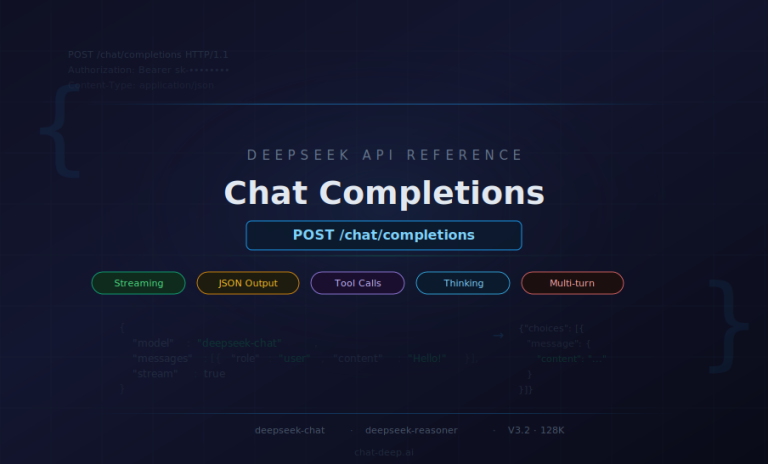
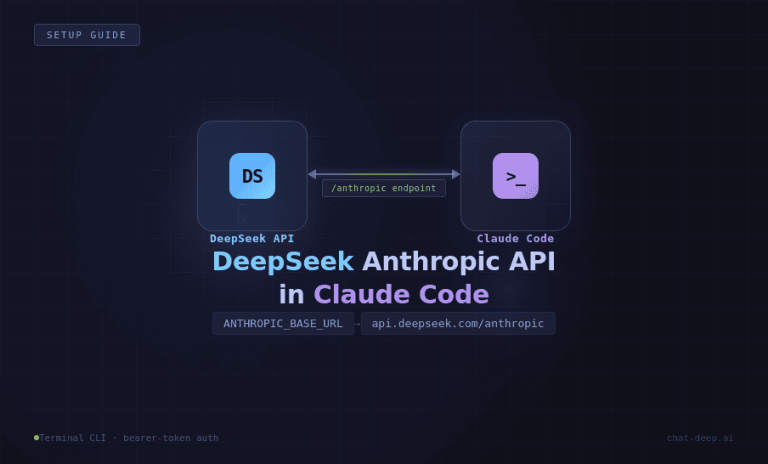
The API docs are especially important because they confirm two useful things for English-speaking developers: the documentation is presented in English, and the API uses an OpenAI-compatible format with https://api.deepseek.com as the base URL. That makes the docs the most authoritative answer for anyone searching terms like DeepSeek English API or DeepSeek API docs in English.
How to Use DeepSeek in English
If your goal is simply to get better results from DeepSeek in English, the biggest improvement usually comes from prompt clarity rather than any hidden “English mode.” Start by telling DeepSeek exactly what you want, who the audience is, what tone to use, and what format to return. In most everyday cases, that matters more than trying to phrase a request in a clever or overly technical way.
A strong English prompt usually includes four parts:
- Task — what you want done
- Context — background or source material
- Style — tone, reading level, or audience
- Output format — bullets, table, email, summary, code comments, and so on
For example, “Summarize this article” is usable, but “Summarize this article in plain English for a non-technical reader in 5 bullet points” is much better. The more concrete your output target is, the less cleanup you need later. This also fits how DeepSeek is positioned across its official chat and app surfaces: as a general assistant for writing, explanation, and problem-solving tasks.
It also helps to ask for revision explicitly. Instead of rewriting your whole prompt, try follow-up instructions like “make this more concise,” “rewrite for a sales audience,” “explain this in simpler English,” or “keep the meaning but remove jargon.” That is especially useful for email drafting, summarization, coding explanations, study notes, and business writing. For more copy-ready ideas, your own DeepSeek prompts guide already gives a strong internal follow-up page for this article.
Best English Prompts for DeepSeek
Here are 10 copy-ready prompts for people who want to use DeepSeek in English right away:
1. Plain-English summary
“Summarize the text below in plain English for a busy reader. Keep the summary under 150 words and include the three most important takeaways.”
2. Professional email draft
“Write a polite professional email in clear US English. The goal is to follow up on a delayed response without sounding aggressive.”
3. Tone rewrite
“Rewrite the paragraph below in more natural English. Keep the meaning the same, but make it sound confident and friendly.”
4. Grammar cleanup
“Correct grammar, spelling, and punctuation in the text below. Do not change the meaning unless something is clearly awkward or incorrect.”
5. Study help
“Explain this concept in simple English as if you were teaching a smart beginner. Then give me 3 practice questions.”
6. Executive summary
“Turn these notes into an executive summary for a manager. Use short paragraphs and highlight risks, next steps, and key decisions.”
7. Coding explanation
“Explain this code in clear English. First describe what it does, then identify any bugs or risks, then suggest one cleaner version.”
8. Research digest
“Read the text below and give me a structured research digest with: topic, core claim, evidence, limitations, and open questions.”
9. Marketing rewrite
“Rewrite this product description in sharper English for a landing page. Keep it concise, specific, and benefit-focused.”
10. Compare two options
“Compare these two tools in plain English. Give me a short overview, 3 strengths each, 3 weaknesses each, and a final recommendation for a beginner.”
If you want a broader prompt library, link naturally from this article to your best DeepSeek prompts guide, because that page is already positioned as your deeper resource for copy-ready prompt ideas.
Official DeepSeek vs Chat-Deep.ai
The official DeepSeek product paths are the right choice when you want the canonical website, official app distribution, web-chat access, or developer platform access. If you want a simpler browser path without going through an account flow first, Chat-Deep.ai is better understood as an independent browser-based alternative and guide, not the official DeepSeek site.
Conclusion
If someone searches for DeepSeek English, they usually do not need a long theory lesson. They need the correct path: official website, official web chat, official app, official platform, or official API docs. DeepSeek clearly provides English-facing routes for all of those, but they are split across different official surfaces.
So the best version of this article is practical, not dramatic. Point users to the right official destination, help them write better English prompts, and then guide them to the next internal page that matches their intent. Start with the official DeepSeek English website if you want the top-level route, or go straight to your DeepSeek AI homepage if you want a broader independent hub and internal guide path.
FAQ
Is there an official DeepSeek English website?
Yes. DeepSeek has an English-language official site at deepseek.com/en, and that page acts as the main English entry point to the official DeepSeek ecosystem.
Can I use DeepSeek in English?
Yes. DeepSeek offers English-facing official surfaces including the English website, English API docs, and English-language app listings. Exact features can vary by jurisdiction, so check the current product path you plan to use.
Does the DeepSeek app support English?
The official app is presented through English-language listings on Google Play and the App Store, and the official English site points users toward the app route. If you need region-specific confirmation, verify the store listing in your market.
Where do I log in to DeepSeek?
For consumer chat, use the official web-chat sign-in path. For developer access, API keys, and platform workflows, use the official DeepSeek platform.
Are DeepSeek API docs available in English?
Yes. The official API docs are in English and describe an OpenAI-compatible API format with https://api.deepseek.com as the base URL.
Is Chat-Deep.ai the official DeepSeek website?
No. Chat-Deep.ai is an independent site. It can be useful as a browser-based alternative or guide, but it is not the official DeepSeek website, app, or platform.