Category DeepSeek Guides

Find the right DeepSeek guide for your task

Start with the guide that matches what you want to do: use DeepSeek for the first time, write a better prompt, work on code, automate a recurring task, or run a model on your own computer. You do not need to learn every tool or install a local model before asking your first question.

These are independent guides from Chat-Deep.ai. For a broad introduction to the products and ways to use them, visit our DeepSeek overview. Here, choose a practical next step.

New to DeepSeek? Begin with one useful task

For an ordinary question or writing task, start with the web chat linked from DeepSeek’s official website. Open the chat, follow its sign-in instructions, and describe what you need. If you prefer using your phone, our DeepSeek app guide explains the mobile route. Neither choice requires you to download model weights or write API code.

If the names are confusing, read What Is DeepSeek? first. It separates the company, the assistant you use, the models behind the answers, and the developer API. That distinction helps you avoid following a server-installation tutorial when all you need is a place to ask a question.

Give your first request a clear job and a result you can check. For example, ask for a short summary of notes you provide, with decisions and unanswered questions listed separately. Read the answer against those notes, then ask for a specific change if it misses something. “Keep the deadlines and remove the background” is a more useful follow-up than “make it better.”

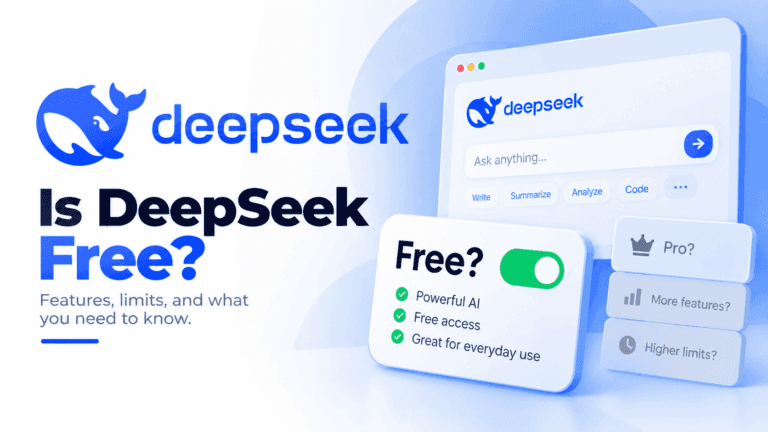
For costs, use Is DeepSeek Free? It explains free consumer access, separately billed API use, and the computing costs of local models. Paying for one route does not automatically provide benefits in another.

Get better results from writing and everyday prompts

When an answer feels generic, check what the request leaves unstated. Who is it for? What source material should it use? What must stay unchanged? A useful prompt supplies those details without turning a simple request into a long set of rules.

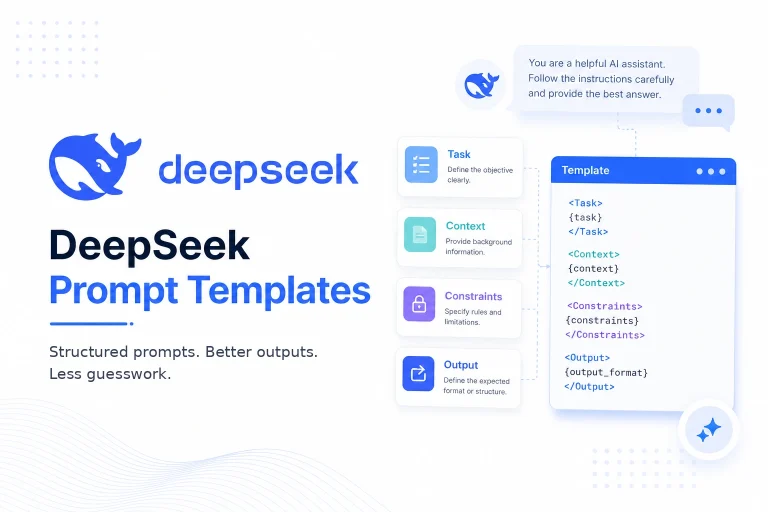
The DeepSeek prompt guide provides templates for writing, planning, learning, analysis, and other tasks, along with advice on adapting them. Use the relevant parts and replace the placeholders. A template is a starting point, not a guarantee that the answer is correct.

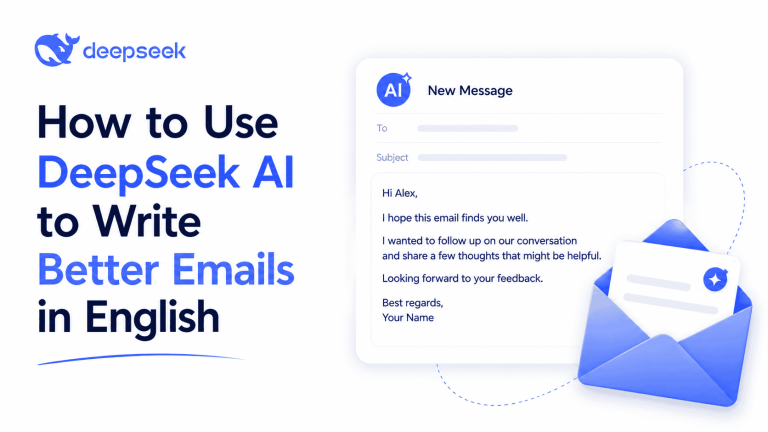
For a specific writing job, follow the English email guide. It covers turning notes into a message, improving a draft, replying to someone, and choosing an appropriate tone. The before-and-after examples explain why the wording changes, so you can judge whether the result still sounds like you.

If the difficulty is Chinese menus or replies in the wrong language, use DeepSeek in English. Changing interface language and requesting an English answer solve different problems; you may need one without the other.

Choose a coding workflow that fits the job

For an explanation, a small function, or a bug you can reproduce, start with DeepSeek for coding. It shows how to describe the expected behavior, provide relevant code, and check a proposed fix. A chat response gives you a suggestion to review; it does not become a verified change simply because the code looks plausible.

Choose DeepSeek in VS Code when you want assistance inside your editor. That guide separates chat, selected edits, autocomplete, and agent workflows, which need different setup choices. An assistant that answers code questions is not necessarily configured to complete code as you type.

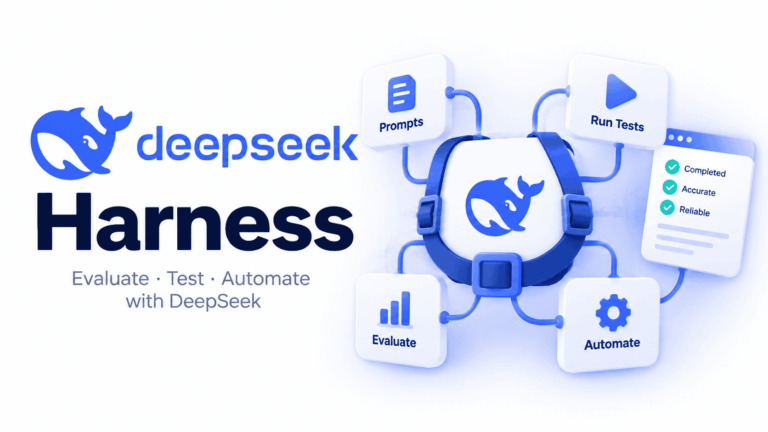
For work that involves files and several steps, see DeepSeek Harness. DeepSeek’s Harness documentation describes an agent that can read and edit workspace files and run commands. Start with a small project and a clear boundary for changes. Review its work before applying it to something important.

These routes are alternatives, not a required learning sequence. You can stay with chat for occasional questions or go straight to an editor workflow if working across a codebase is the task.

Connect DeepSeek to an app or repeatable workflow

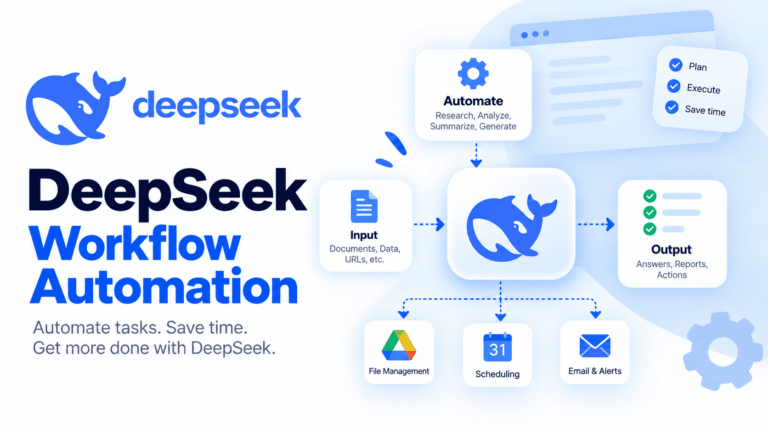
Use an integration when a task needs to happen repeatedly or its result belongs in another application. Asking for one spreadsheet formula is a chat task. Classifying new rows each day and saving the labels is an integration task.

If you are writing the connection yourself, start with our DeepSeek API setup guide. It covers the key, account balance, and first request. The official API documentation is the reference for the service’s current configuration and request formats; an API integration sends requests to a model service rather than installing its model on your computer.

Begin with a small sample whose correct treatment you understand. Check where the data goes, whether the answer is saved to the right place, and whether retrying repeats an action or creates another charge. Let that first working process guide what you automate next.

Run a model locally or prepare a deployment

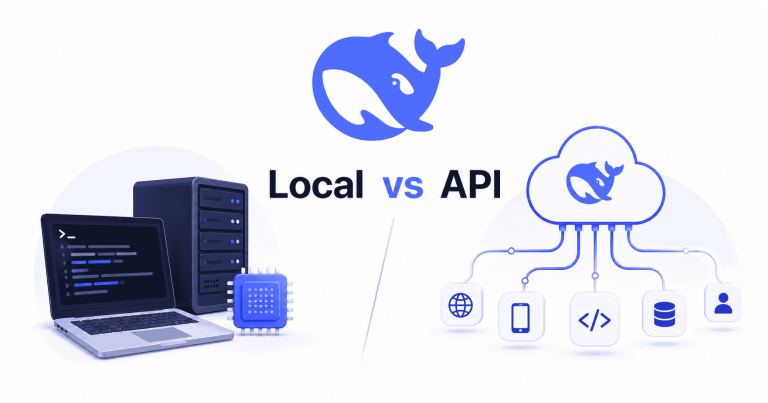
Local inference means the model runs on hardware you operate. Installing a desktop interface alone does not establish that: it may still connect to a remote model. Before downloading large files, decide whether you need offline work, control over the model, or simply an easier way to use hosted access. DeepSeek local vs API explains those trade-offs.

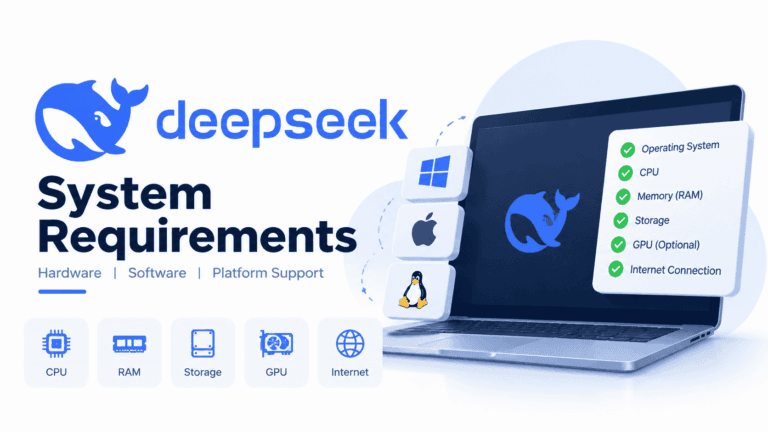
Then check the DeepSeek system requirements guide. Match the exact model and runtime to your RAM, GPU memory, and available storage. A smaller downloaded model is a separate choice from the full model or hosted service; the shared DeepSeek name does not make their hardware needs or capabilities identical.

For a desktop chat workflow, follow Run DeepSeek in LM Studio. It takes you through choosing a compatible download, loading it, and starting a conversation. LM Studio’s offline documentation explains that local chat can work without an internet connection after the necessary model and runtime files are available. New downloads, updates, and any external services you connect need separate consideration.

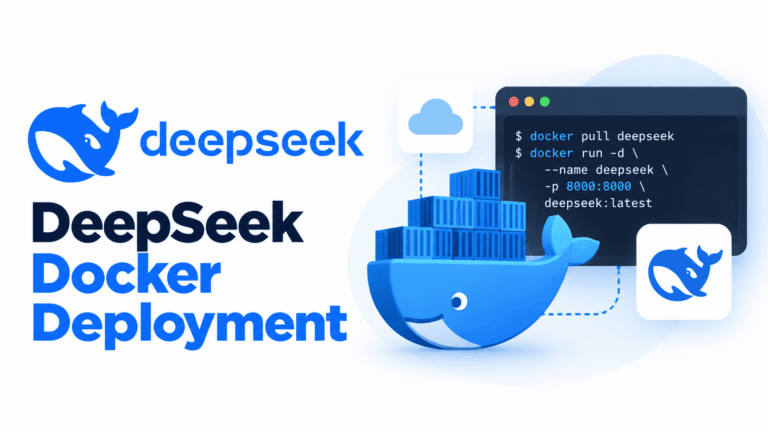
For containers, use the DeepSeek Docker guide. It distinguishes hosting a local model from running a containerized app that calls the hosted API. For a model server that applications can call, the vLLM guide covers that setup. Choose one route, get a small request working, and confirm where it is processed before adding larger models or more clients.

Find help for the problem you actually have

If the website will not load, login fails, or the app stops replying, start with DeepSeek troubleshooting. For a failed API call or a model that will not load locally, use the troubleshooting section in the relevant setup guide. A chat-service incident, a rejected API key, and insufficient local memory need different fixes.

Before working with personal or company material, read Is DeepSeek Safe? You can often explain a task using fictional rows, placeholders, or a short non-sensitive excerpt. Keep secrets out of prompts, and use work information only through a service your organization permits for it.

Questions before choosing a guide

Do I need to know how to code?

No. Start with the web chat or mobile assistant for ordinary questions and writing. Coding becomes relevant when you want to build your own integration. Editor tools and automation platforms offer other routes, but their setup and permissions still need attention.

Can I try DeepSeek before paying for the API?

Yes. DeepSeek describes its official mobile assistant as free to use. The API is a separate route for software and integrations. Trying the assistant can help you explore a task, but does not guarantee the same tools, limits, or behavior in an API workflow.

Should I read all the guides in order?

No. If you need to write an email, go to the email guide. If you need an offline setup, begin with hardware requirements and the local walkthrough. Read a prerequisite when your chosen guide calls for it; there is no benefit in setting up tools your task does not need.

Put one guide to work

Choose a real, manageable task and follow the matching guide until you have a result you can review: an email ready to send, a code change that passes your checks, a saved automation result, or a local model answering a question. Once that works, expand the workflow only where it helps. The articles below let you browse the rest of the collection when you are ready for another task.

Privacy and cookie settings