Last reviewed: September 23, 2026 · Current official hosted API IDs: deepseek-flash and deepseek-v4-pro · Testing: See our reproducible benchmark below
A DeepSeek prompt is the instruction you give DeepSeek to produce an answer, analysis, draft, plan, code sample, or structured output. The strongest prompts do five things clearly: define the task, provide relevant context, set constraints, specify the output format, and explain how the result should be checked.
This guide gives you a reusable DeepSeek prompt framework, DeepSeek-specific advice for chat and API use, original test methodology, weak-versus-strong examples, and 42 copy-paste templates for writing, coding, research, SEO, business, data, learning, JSON, and troubleshooting.
Quick answer: For most tasks, start with Task + Context + Constraints + Output + Verification. Include only information that helps DeepSeek complete the task, and tell it what to do when evidence or required details are missing.
The Universal DeepSeek Prompt Template
If you only copy one prompt from this page, use this one:
Task:
[Describe the exact result you want.]

Context:
[Explain the audience, situation, goal, background, or source material.]

Inputs:
[Paste the relevant text, data, code, examples, or requirements.]

Constraints:
- [Length, tone, scope, rules, exclusions, or technical requirements]
- Use only the information provided when factual accuracy depends on the source.
- If required information is missing, identify it instead of inventing it.

Output format:
[Specify markdown, a table, JSON, code, a checklist, an email, or another structure.]

Verification:
Before finalizing:
1. Check that every requirement has been addressed.
2. Identify unsupported assumptions.
3. Confirm that the output follows the requested format.
For a simple request, you may only need the task, context, and output format. For technical, research, or business-critical work, keep the complete structure.
DeepSeek Prompt Templates by Category
- How to write a better DeepSeek prompt
- DeepSeek-specific prompting guidance
- Our prompt benchmark and methodology
- Productivity prompts
- Reasoning and problem-solving prompts
- Coding prompts
- Writing and editing prompts
- SEO and content marketing prompts
- Research prompts
- Business prompts
- Data analysis prompts
- Learning prompts
- Creative prompts
- JSON and API prompts
- Prompt troubleshooting templates
- Frequently asked questions
How to Write a Better DeepSeek Prompt
We use the T-C-C-O-V structure as Chat-Deep.ai’s editorial framework for building and evaluating prompts. It is not an official DeepSeek feature or protocol.
| Element | Meaning | What to include |
|---|---|---|
| T | Task | The exact job DeepSeek should complete |
| C | Context | Audience, goal, background, source material, data, or environment |
| C | Constraints | Scope, length, tone, exclusions, rules, assumptions, or technical limits |
| O | Output | Table, markdown, JSON, code, checklist, email, report, or another format |
| V | Verification | Checks for accuracy, completeness, assumptions, and format compliance |
Weak prompt
Make this product description better.Improved prompt
Task:
Rewrite the product description below.

Context:
The product is a project-management app for freelance designers. The audience is solo professionals who want a simple alternative to enterprise software.

Constraints:
- Keep the description under 120 words.
- Use a clear, professional, approachable tone.
- Avoid buzzwords and unsupported claims.
- Focus on time savings and client collaboration.
- Preserve every factual product detail.

Output:
1. Revised description
2. Three specific reasons the revision is clearer

Product description:
[PASTE TEXT]
The improved version defines the audience, purpose, boundaries, and deliverable. It also prevents the model from inventing new product claims.
What Is Different About Prompting DeepSeek?
Many well-structured prompts work across different AI assistants. The differences become more important when you use DeepSeek through its API, enable thinking mode, request JSON, build multi-turn workflows, or connect tools.
1. Separate durable instructions from the current task
In an API application, place stable behavior—such as role, tone, safety rules, and output requirements—in the system message. Put the current request, inputs, and task-specific constraints in the user message. This makes prompts easier to maintain and test. See our DeepSeek system prompts guide and DeepSeek API guide.
2. Treat thinking mode as a model setting, not a magic phrase
For a difficult coding, math, planning, or reasoning task, provide the problem, evidence, constraints, and required final answer. Do not depend on phrases such as “think harder” or request a hidden reasoning transcript. Ask for a concise rationale, assumptions, verification summary, or final checks instead.
DeepSeek’s official thinking-mode documentation explains the current API controls. It also states that sampling parameters including temperature and top_p do not affect responses while thinking mode is enabled. Read our DeepSeek thinking mode guide and temperature settings guide before using those controls in production.
3. JSON prompting requires both instructions and API configuration
Writing “return JSON” is not enough for a reliable application. DeepSeek’s official JSON Output guide says API users should set response_format to {"type":"json_object"}, include the word “json” in the prompt, provide an example of the expected structure, and allocate enough output tokens to avoid truncation. Validate the returned JSON in your application even when JSON mode is enabled.
For implementation examples, see our DeepSeek JSON Output guide.
4. Multi-turn prompts include conversation state
A follow-up message depends on the history sent with it. Preserve only the turns needed to understand the current request, summarize older context carefully, and do not assume the API remembers a conversation that your application does not resend. Read our DeepSeek multi-turn conversations guide for context and cost patterns.
5. Do not confuse prompting with tool execution
A prompt can tell the model when a tool would be useful, but it does not give the model access to a database, browser, calculator, or private service. In an API workflow, your application defines the available tools, executes approved calls, and returns the results to the model. See our DeepSeek tool-calling guide.
6. Put reusable context first when designing API prompts
If many requests share the same long instructions or reference material, keep the stable prefix consistent and append variable user content afterward. This structure can make context caching more useful. Review our DeepSeek context caching guide before designing a high-volume workflow.
7. Verify current model names instead of copying old examples
The current official hosted API catalog lists deepseek-flash and deepseek-v4-pro. Pro is text-only; Flash accepts text plus supported image input and returns text. DeepSeek’s April 24 release notice said the legacy compatibility aliases deepseek-chat and deepseek-reasoner would be retired after July 24, 2026 at 15:59 UTC. Because that deadline has passed and API behavior can change, production users should confirm model availability with a live request or current model listing rather than relying on an old code sample. Follow our DeepSeek API updates tracker for dated checks.
For an image prompt, select deepseek-flash, attach a supported JPEG, PNG, GIF, or WebP image, and state exactly what to inspect. A useful pattern is: “Inspect the attached chart or screenshot. Transcribe the visible labels and values, separate direct observations from inference, and say when a detail is unreadable.” Use deepseek-flash for image understanding, not image generation. See the official DeepSeek Vision guide for supported input methods and limits.
Our DeepSeek Prompt Benchmark: 24 Live Runs
Last tested: July 28, 2026 · Surface: DeepSeek Chat web interface · Runs: 24
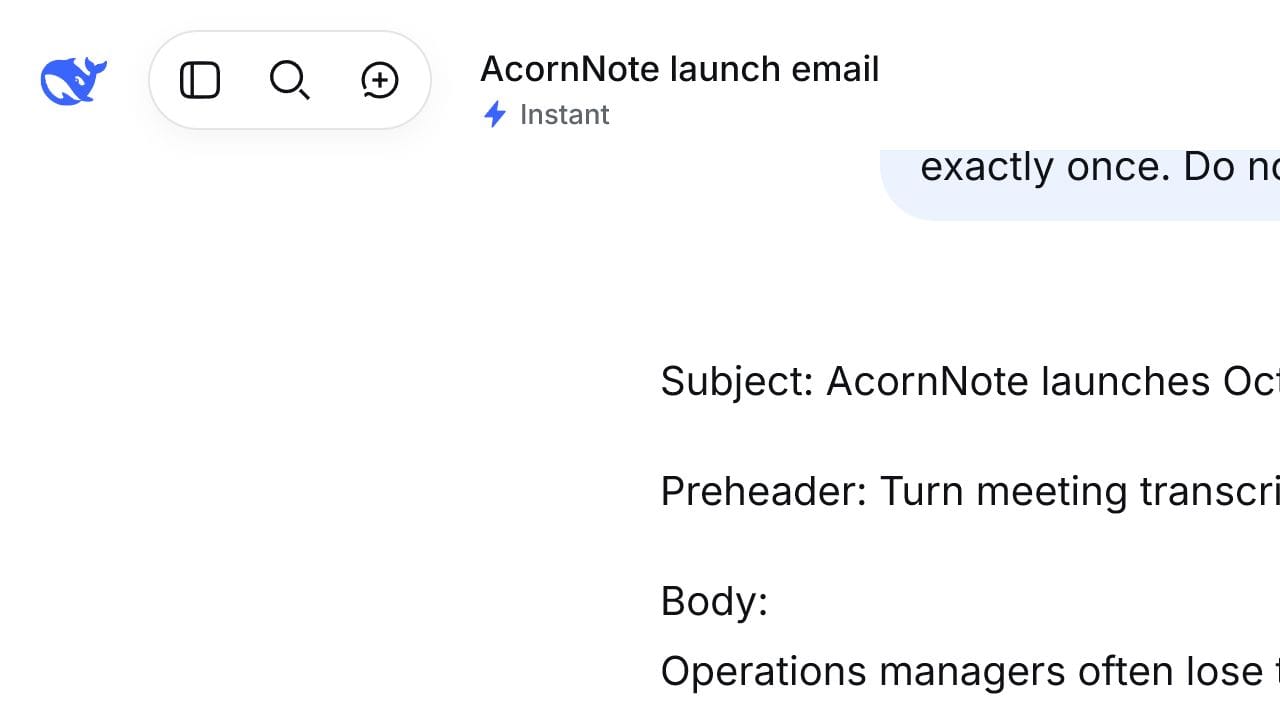
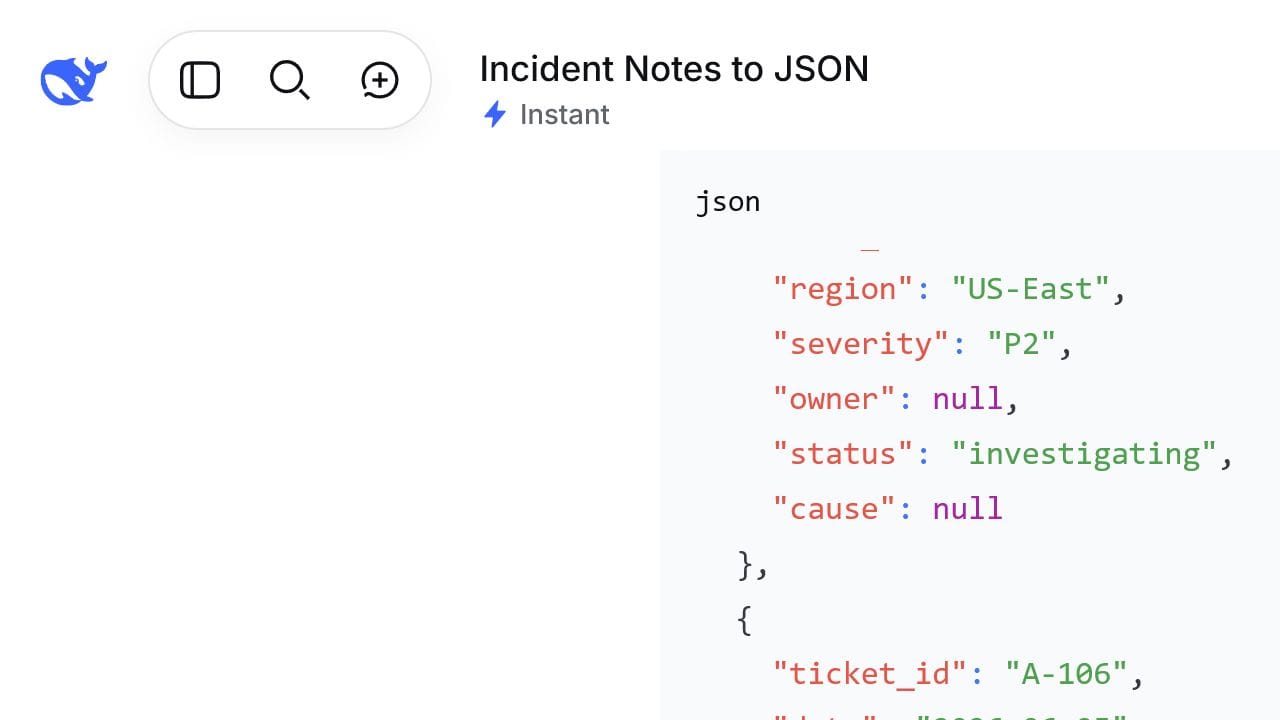
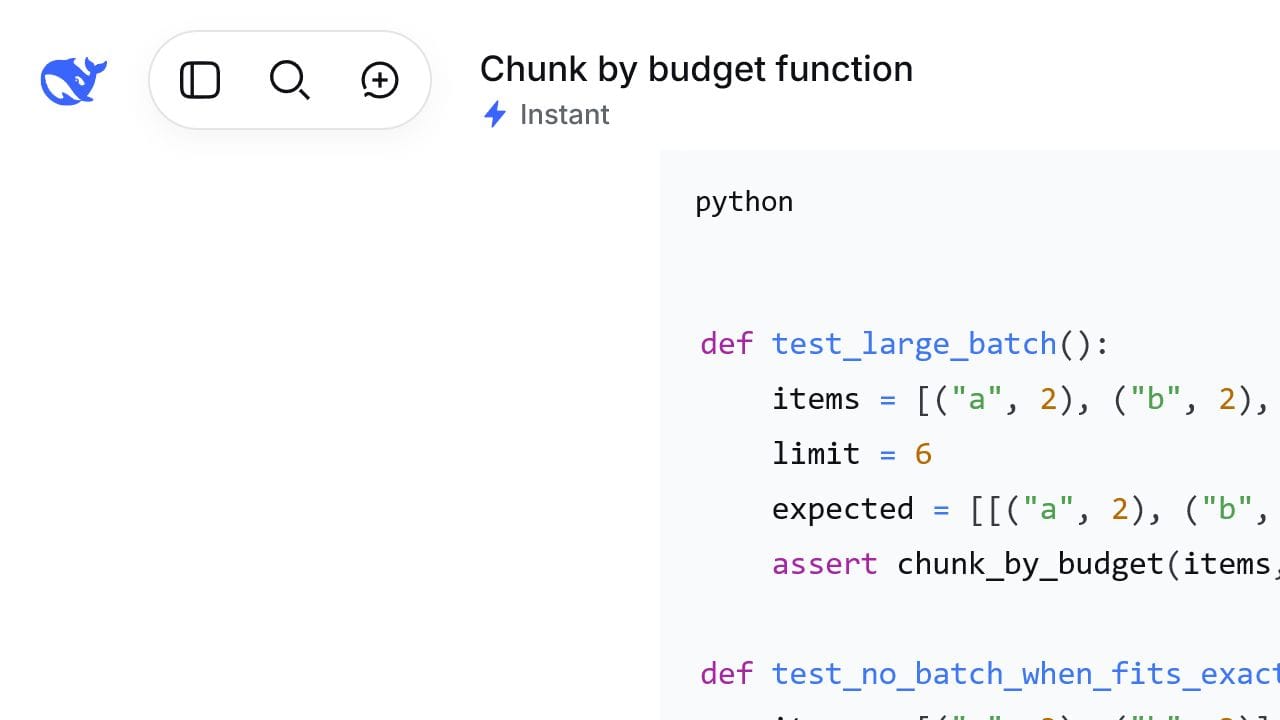
We tested prompt structure rather than comparing different models. Four practical tasks—constrained marketing writing, strict JSON extraction, Python coding, and constraint reasoning—were each run with a short prompt and a structured T-C-C-O-V prompt. Every condition was submitted three times in a fresh chat. We did not send follow-up instructions, repair failed answers, or replace the predetermined first-run screenshots with better-looking reruns.
The interface displayed Instant for writing, JSON, and coding. DeepThink was enabled for both versions of the reasoning task. DeepSeek Chat did not expose the exact underlying model ID, so we do not infer one. Web Search and file uploads were disabled.
| Task | Mode | Short prompt | T-C-C-O-V | Short passes | Structured passes | Median time |
|---|---|---|---|---|---|---|
| Marketing email | Instant | 5.0/10 | 8.7/10 | 0/3 | 2/3 | 5.70s vs 5.71s |
| Strict JSON extraction | Instant | 8.6/10 | 10.0/10 | 1/3 | 3/3 | 5.69s vs 5.71s |
| Python function | Instant | 6.0/10 | 9.7/10 | 0/3 | 3/3 | 17.74s vs 10.49s |
| Constraint reasoning | DeepThink | 8.7/10 | 10.0/10 | 1/3 | 3/3 | 27.32s vs 38.60s |
| Overall | Mixed | 7.1/10 | 9.6/10 | 2/12 | 11/12 | Reported separately |
A usable pass required at least 9/10 and no critical factual, formatting, code, or reasoning failure. Response time was recorded separately and did not affect quality scores. This matters because the more detailed reasoning output was slower but also more complete.
What changed when the prompt became more specific?
- Writing: all three short-prompt runs invented at least one unsupported capability, result, or commercial detail. Structured runs followed the requested subject, preheader, body, and CTA format, although one still added multiple inferred benefits and scored 8/10.
- JSON: all three short-prompt runs renamed or added fields. All three structured runs matched the eight-key schema, normalized dates and times, and preserved missing values as
null. - Coding: the three short-prompt outputs passed 7/8, 1/8, and 7/8 external tests. The middle run returned a generator instead of the requested list. The structured outputs passed 8/8 tests in all three runs.
- Reasoning: every run found the correct winner. Two short-prompt runs omitted part of the requested comparison evidence; every structured run identified the winner, runner-up, all qualifying portfolios, and the five constraint checks.
Coding test results
| Prompt style | Run 1 | Run 2 | Run 3 | External tests passed |
|---|---|---|---|---|
| Short prompt | 7/8 | 1/8 | 7/8 | 15/24 |
| T-C-C-O-V prompt | 8/8 | 8/8 | 8/8 | 24/24 |
The prompt requested Python 3.11-compatible code. We executed the outputs unchanged on the available Python 3.12.13 runtime. Tests covered normal grouping, greedy order preservation, empty input, exact-limit items, oversized items, non-positive limits, non-positive token counts, and input immutability.
How the benchmark was scored
- Writing: source-fact accuracy, unsupported claims, length, subject and preheader limits, CTA compliance, audience fit, and banned wording.
- JSON: parseability, record count, exact keys, 24 field values, and correct
nullhandling. - Coding: eight executable tests, O(n) behavior, requested interface, and dependencies.
- Reasoning: correct winner and totals, valid runner-up, all qualifying portfolios, and complete constraint verification.
We graded the final answer only. When DeepThink was enabled, the web interface displayed an extended thought trace even though the prompt requested a concise final result. We do not reproduce that trace here.
Benchmark limitations
This is a small practical benchmark, not a universal model evaluation. Results can change with model updates, interface changes, task choice, and sampling. It demonstrates that a detailed prompt improved compliance for these four tasks; it does not prove that longer prompts are always better. The easy incident-extraction check we ran before the benchmark produced a perfect answer from both an already-specific baseline and a structured version, showing that added structure may offer little benefit when the original request is already complete.
The JSON experiment measured prompt following in DeepSeek Chat. It did not use the API’s response_format setting and should not be treated as an API JSON-mode test. For production controls, follow the official JSON Output guide and our DeepSeek JSON Output walkthrough.
Productivity Prompts
1. Daily Priority Planner
Act as a practical planning assistant.

Task:
Create a realistic schedule for the tasks below.

Context:
- Working hours: [HOURS]
- Fixed meetings: [MEETINGS]
- Energy pattern: [WHEN I FOCUS BEST]
- Deadlines: [DEADLINES]

Tasks:
[TASK LIST WITH ESTIMATED DURATIONS]

Constraints:
- Do not schedule overlapping work.
- Include breaks and transition time.
- Flag tasks whose estimates do not fit the available time.

Output:
1. Top three priorities
2. Time-blocked schedule
3. Tasks to postpone or delegate
4. Main scheduling risk
5. Five-minute end-of-day review
2. Meeting Summary and Action Items
Task:
Turn the meeting transcript into accurate minutes.

Source:
[PASTE TRANSCRIPT]

Rules:
- Use only information stated in the transcript.
- Do not invent owners, deadlines, or decisions.
- Write “Not assigned” or “Not stated” when needed.
- Separate confirmed decisions from suggestions.

Output:
- Executive summary
- Decisions
- Action items table: action | owner | deadline | evidence
- Open questions
- Risks or blockers
- Draft follow-up email
3. Weighted Decision Matrix
Task:
Compare these options: [OPTIONS]

Context:
[DECISION CONTEXT]

Criteria and weights:
[CRITERIA, EACH WITH A WEIGHT]

Constraints:
- Ask for missing information before scoring if a critical criterion cannot be evaluated.
- Mark assumptions.
- Do not hide major trade-offs behind a single total score.

Output:
1. Weighted decision matrix
2. Evidence or assumption behind each score
3. Sensitivity analysis
4. Recommendation
5. Conditions that would change the recommendation
Reasoning and Problem-Solving Prompts
4. Root-Cause Analysis
Analyze this recurring problem:

Problem:
[DESCRIPTION]

Evidence:
[LOGS, TIMELINE, METRICS, OR OBSERVATIONS]

Context:
[ENVIRONMENT AND RECENT CHANGES]

Output:
- Precise problem statement
- Five Whys analysis
- Ranked possible causes
- Evidence supporting or weakening each cause
- Fastest safe test for each cause
- Recommended next action

Rules:
Distinguish facts, hypotheses, and unknowns. Do not present a hypothesis as a confirmed cause.
5. Trade-Off Analysis
Evaluate this decision:

Decision:
[DECISION]

Options:
[OPTIONS]

Context and constraints:
[CONTEXT]

Compare:
- Benefits
- Risks
- Direct and hidden costs
- Time to value
- Reversibility
- Operational complexity
- Best-fit scenario for each option

Finish with:
1. Recommendation
2. Key assumptions
3. Strongest argument against the recommendation
4. Conditions that would change it
6. Assumption and Pre-Mortem Checker
Review this plan as a skeptical but constructive analyst.

Plan:
[PASTE PLAN]

Context:
[GOAL, TEAM, BUDGET, AND DEADLINE]

Output:
- Critical assumptions
- Risk rating for each assumption
- Evidence currently available
- Cheapest validation method
- Pre-mortem: five plausible reasons the plan failed
- Early warning indicators
- Revised plan that reduces the largest risks
Coding and Debugging Prompts
7. Code Debugger
Act as a senior [LANGUAGE/FRAMEWORK] engineer.

Task:
Diagnose and fix this bug.

Environment:
[LANGUAGE, FRAMEWORK, RUNTIME, AND DEPENDENCY VERSIONS]

Expected behavior:
[EXPECTED]

Actual behavior:
[ACTUAL]

Error and reproduction steps:
[ERROR AND STEPS]

Code:
[PASTE MINIMAL REPRODUCIBLE CODE]

Output:
1. Most likely cause
2. Minimal corrected code
3. Why the fix works
4. Regression test
5. Remaining uncertainty

Do not change unrelated behavior or invent unavailable APIs.
8. Security-Aware Code Review
Review the code below for correctness, security, readability, performance, and maintainability.

Environment:
[LANGUAGE, FRAMEWORK, AND VERSION]

Threat model or sensitive data:
[DETAILS]

Code:
[PASTE CODE]

Constraints:
- Preserve intended behavior.
- Prioritize concrete, reproducible issues.
- Do not claim a vulnerability without explaining the execution path.

Output:
- Executive summary
- Findings table: severity | location | issue | impact | fix
- Revised code for confirmed high-priority issues
- Tests to add
- Items requiring manual verification
9. Function Builder
Write a production-ready [LANGUAGE] function.

Requirement:
[WHAT THE FUNCTION MUST DO]

Inputs and types:
[INPUTS]

Expected output:
[OUTPUT]

Constraints:
[PERFORMANCE, DEPENDENCIES, COMPATIBILITY, AND ERROR HANDLING]

Examples:
[INPUT/OUTPUT EXAMPLES]

Return:
1. Function code
2. Example usage
3. Edge cases handled
4. Time and space complexity
5. Unit tests using [TEST FRAMEWORK]

If a requirement is ambiguous, ask focused questions before generating code.
10. Test-Case Generator
Generate tests for this function or feature.

Specification:
[REQUIREMENTS]

Code:
[PASTE CODE IF AVAILABLE]

Framework:
[TEST FRAMEWORK AND VERSION]

Output:
- Happy-path tests
- Boundary cases
- Invalid-input tests
- Regression tests
- Property or invariant tests where useful
- Brief explanation of what each test proves

Rules:
Do not create tests that merely mirror the implementation. Identify missing specification details separately.
Writing and Editing Prompts
11. Source-Grounded Article Draft
Task:
Write a [WORD COUNT]-word article about [TOPIC] for [AUDIENCE].

Purpose:
[SEARCH INTENT OR BUSINESS GOAL]

Approved sources and facts:
[PASTE SOURCE PACK]

Requirements:
- Tone: [TONE]
- Use clear H2 and H3 headings.
- Include practical examples.
- Avoid generic filler and unsupported claims.
- Do not invent quotations, statistics, dates, products, or sources.
- Mark any fact that still requires verification as [VERIFY].

Output:
1. Article
2. Fact-check list
3. Missing information that would improve the draft
12. Rewrite for Clarity
Rewrite the text below for clarity and flow.

Audience:
[AUDIENCE]

Tone:
[TONE]

Text:
[PASTE TEXT]

Constraints:
- Preserve the meaning and factual claims.
- Remove repetition and unnecessary jargon.
- Do not introduce new facts.
- Keep approximately [LENGTH OR PERCENTAGE] of the original length.

Output:
1. Revised text
2. Short list of material edits
3. Any ambiguous claim that requires author review
13. Professional Email Draft
Write an email for this situation:

Recipient and relationship:
[DETAILS]

Goal:
[GOAL]

Context:
[FACTS THE RECIPIENT NEEDS]

Tone:
[TONE]

Constraints:
- Keep it under [WORD COUNT] words.
- Use one clear call to action.
- Do not exaggerate urgency or make unsupported promises.

Return:
- Subject line
- Email body
- Shorter alternative
- One sentence explaining the difference between the versions
14. Editorial Review
Act as a rigorous editor.

Article:
[PASTE ARTICLE]

Audience and purpose:
[DETAILS]

Evaluate:
- Search-intent match
- Opening and structure
- Clarity and repetition
- Evidence quality
- Missing examples
- Unsupported claims
- Tone consistency
- Conclusion usefulness

Output:
1. Editorial verdict
2. Priority fixes ranked by impact
3. Section-by-section recommendations
4. Revised introduction
5. Claims requiring fact-checking

Do not rewrite the whole article unless requested.
SEO and Content Marketing Prompts
DeepSeek can organize supplied search data, but it cannot know a live search result page unless your interface or application provides current web results. Paste verified query data, competitor headings, or Search Console exports when accuracy matters.
15. Evidence-Based SEO Content Brief
Create an SEO content brief.

Primary query:
[QUERY]

Country and language:
[MARKET]

Audience and conversion goal:
[DETAILS]

Verified SERP notes:
[PASTE CURRENT RESULTS, HEADINGS, FEATURES, AND DATES]

First-party performance data:
[PASTE SEARCH CONSOLE DATA IF AVAILABLE]

Output:
- Dominant and secondary search intents
- Recommended title and H1
- H2/H3 outline
- Questions that need answers
- Evidence or original tests to include
- Internal-link opportunities
- Differentiation angle
- Claims that require primary sources

Do not invent search volume, rankings, or competitor content.
16. Title and Meta Description Generator
Create title tags and meta descriptions for this page.

Page purpose:
[PURPOSE]

Primary query:
[QUERY]

Secondary intent:
[INTENT]

Audience:
[AUDIENCE]

Confirmed differentiator:
[TEST, DATA, TOOL, OR UNIQUE BENEFIT]

Output:
A table with 10 options:
- Title
- Character count
- Meta description
- Character count
- Search intent served
- Reason to click

Rules:
Use natural language. Avoid unsupported superlatives, fake urgency, and keyword repetition.
17. Content-Gap Audit
Audit this page against the supplied search evidence.

Current page:
[PASTE CONTENT OR OUTLINE]

Target query:
[QUERY]

Verified competing-page outlines:
[PASTE OUTLINES]

Search Console data:
[PASTE DATA]

Output:
- Intent gaps
- Missing subtopics
- Thin or repetitive sections
- Claims needing evidence
- Original test opportunities
- Internal-link gaps
- Sections to keep, update, merge, or remove
- Prioritized action plan

Base every recommendation on the provided material.
18. Content Repurposing Planner
Repurpose the source content for [PLATFORMS].

Source:
[PASTE APPROVED CONTENT]

Audience:
[AUDIENCE]

Brand voice:
[VOICE RULES]

Goal:
[GOAL]

Create:
- Three LinkedIn posts
- Five short posts for [PLATFORM]
- One email newsletter
- Five hooks
- One short video outline

Rules:
Preserve the source facts. Do not introduce statistics, testimonials, or claims that do not appear in the source. Adapt structure and length to each platform.
Research and Summarization Prompts
19. Source-Bound Research Summary
Summarize the source below for [AUDIENCE].

Source:
[PASTE MATERIAL]

Output:
- Five-sentence overview
- Key findings
- Important supporting details
- Limitations
- Claims that remain uncertain
- Questions for further research

Rules:
- Use only the supplied source.
- Distinguish the source's claims from established facts.
- Quote only when necessary and keep quotations brief.
- If information is absent, say “Not stated in the source.”
20. Compare Multiple Sources
Compare the supplied sources on [TOPIC].

Source A:
[PASTE]

Source B:
[PASTE]

Source C:
[PASTE]

Output:
- Comparison table
- Areas of agreement
- Areas of disagreement
- Unique claims
- Evidence quality and limitations
- Dates or definitions that may explain differences
- Neutral synthesis
- Claims that require external verification

Cite each conclusion as Source A, B, or C. Do not add outside facts.
21. Literature Review Assistant
Create a literature-review outline from these verified notes.

Research question:
[QUESTION]

Source notes with citation details:
[PASTE NOTES]

Output:
- Main themes
- Evidence supporting each theme
- Areas of agreement and disagreement
- Methodological limitations
- Research gaps
- Proposed review structure
- Citation details that are incomplete

Rules:
Do not invent papers, authors, quotations, page numbers, DOIs, or findings.
Business and Strategy Prompts
22. Business Model Analysis
Analyze this business idea.

Idea:
[IDEA]

Target customer:
[CUSTOMER]

Market evidence:
[VERIFIED EVIDENCE]

Constraints:
[BUDGET, TEAM, REGION, AND TIMELINE]

Output:
- Problem and value proposition
- Customer segments
- Revenue and cost assumptions
- Distribution options
- Key risks
- Unknowns requiring research
- Five low-cost validation experiments
- Decision criteria for continuing or stopping

Separate evidence from assumptions.
23. Evidence-Aware SWOT Analysis
Create a SWOT analysis for [COMPANY, PRODUCT, OR IDEA].

Internal evidence:
[PASTE VERIFIED INFORMATION]

External evidence:
[PASTE VERIFIED MARKET INFORMATION]

Output:
- SWOT table
- Evidence supporting each item
- Confidence rating
- Strategic implications
- Five recommended actions
- Missing data that could change the analysis

Do not convert assumptions into facts or invent competitor information.
24. Customer Persona From Research
Create customer personas from the supplied research.

Product:
[PRODUCT]

Evidence:
[INTERVIEWS, SURVEYS, ANALYTICS, OR SALES NOTES]

Output for each persona:
- Segment label
- Goals
- Pain points
- Buying triggers
- Objections
- Preferred channels
- Message angle
- Supporting evidence
- Confidence and research gaps

Do not invent demographics, quotes, or behaviors not supported by the evidence.
25. Go-to-Market Plan
Create a go-to-market plan.

Product:
[PRODUCT]

Target segment:
[AUDIENCE]

Market:
[REGION]

Budget and team:
[CONSTRAINTS]

Launch date:
[DATE]

Known evidence:
[RESEARCH]

Output:
- Positioning hypothesis
- Core message
- Channel priorities
- 30/60/90-day plan
- Experiments and success criteria
- KPIs with definitions
- Risks and dependencies
- Assumptions that must be validated before launch
Data Analysis Prompts
26. Dataset Insight Finder
Analyze the dataset below.

Business or research question:
[QUESTION]

Column definitions:
[DEFINITIONS]

Data:
[PASTE DATA OR REPRESENTATIVE SAMPLE]

Output:
- Data-quality concerns
- Key patterns
- Outliers
- Possible explanations
- Analyses needed to confirm each explanation
- Practical implications
- Recommended next steps

Rules:
Do not invent missing values or causal conclusions. State when the sample is insufficient.
27. KPI Dashboard Planner
Design a KPI dashboard for [TEAM OR PRODUCT].

Goal:
[GOAL]

Business model:
[MODEL]

Available data:
[DATA SOURCES]

Output table:
- KPI
- Precise definition
- Formula
- Data source
- Owner
- Update frequency
- Target or comparison baseline
- Why it matters
- Risk of misinterpretation

Include leading and lagging indicators. Flag any KPI that cannot be calculated from the available data.
28. Data-Cleaning Plan
Create a reproducible data-cleaning plan.

Dataset:
[DESCRIPTION]

Schema or sample:
[PASTE]

Known issues:
[ISSUES]

Tool:
[PYTHON, SQL, R, OR OTHER]

Output:
- Ordered cleaning steps
- Code or pseudocode
- Validation check after each step
- Duplicate and missing-value policy
- Type and range checks
- Audit-log requirements
- Final QA checklist

Do not silently discard records. Explain every destructive transformation.
Learning and Study Prompts
29. Adaptive Study Plan
Create a study plan for [SUBJECT].

Current level:
[LEVEL]

Goal and deadline:
[GOAL]

Available time:
[HOURS PER WEEK]

Resources:
[APPROVED MATERIAL]

Output:
- Initial diagnostic
- Weekly milestones
- Daily sessions
- Retrieval-practice activities
- Project or exercise schedule
- Progress checks
- Adjustment rules if I fall behind

Keep the workload within the available hours.
30. Beginner-Friendly Explanation
Teach me [TOPIC].

My current knowledge:
[WHAT I ALREADY UNDERSTAND]

Goal:
[WHAT I NEED TO DO WITH THE KNOWLEDGE]

Method:
1. Give a plain-language definition.
2. Use one accurate analogy and explain where it breaks down.
3. Show a practical example.
4. Explain three common mistakes.
5. Ask me five questions, one at a time.
6. Adapt the next explanation to my answers.

Avoid unexplained jargon.
31. Flashcard Creator
Create flashcards using only the material below.

Material:
[PASTE MATERIAL]

Output:
A table with:
- Question
- Concise answer
- Difficulty
- Source section
- Memory cue

Rules:
- Focus on important concepts, not trivia.
- Split cards that test more than one idea.
- Do not add facts absent from the material.
- Mark ambiguous source statements for review.
Creative Prompts
32. Story Concept Generator
Generate 10 distinct story concepts.

Seed:
[CONCEPT]

Genre and audience:
[DETAILS]

Tone and setting:
[DETAILS]

Avoid:
[CLICHÉS OR THEMES TO EXCLUDE]

For each concept include:
- Premise
- Protagonist
- Central conflict
- Stakes
- Distinctive element
- Possible ending

After the list, identify the three concepts that differ most from one another.
33. Brand-Name Brainstorm
Generate brand-name directions for [PRODUCT OR BUSINESS].

Positioning:
[POSITIONING]

Audience:
[AUDIENCE]

Desired qualities:
[QUALITIES]

Languages or markets:
[MARKETS]

Avoid:
[WORDS, SOUNDS, OR COMPETITOR PATTERNS]

Output:
- 20 candidate names grouped by naming strategy
- Meaning and pronunciation
- Why each fits
- Possible confusion or negative interpretation
- A shortlist of five

Do not claim domain, trademark, or social-handle availability. List those as manual checks.
34. Campaign Concept Generator
Create campaign concepts for [PRODUCT OR SERVICE].

Audience:
[AUDIENCE]

Goal:
[GOAL]

Proof points:
[APPROVED CLAIMS]

Channels and budget:
[DETAILS]

Brand limits:
[RULES]

For each concept include:
- Campaign name
- Audience insight
- Core idea
- Hook
- Visual direction
- Sample headline
- Channel adaptation
- Risk or weakness
- Measurement plan

Use only the approved proof points.
JSON and API Prompts
For API use, combine the following prompts with the JSON settings described in the official DeepSeek guide. Always parse and validate model output in application code.
35. Valid JSON Extractor
Extract information from the text and return one valid JSON object.

Text:
[PASTE TEXT]

Example JSON structure:
{
  "name": null,
  "company": null,
  "role": null,
  "email": null,
  "phone": null,
  "notes": []
}

Rules:
- Use null when a scalar field is not stated.
- Use an empty array only when no list items are stated.
- Preserve exact values from the source.
- Do not infer missing information.
- Return JSON only, without markdown or commentary.
36. Controlled JSON Classifier
Classify the text using only the allowed labels.

Text:
[PASTE TEXT]

Allowed labels:
[LIST]

Return valid JSON:
{
  "label": "",
  "confidence": 0.0,
  "evidence": "",
  "needs_human_review": false
}

Rules:
- label must exactly match one allowed label.
- confidence must be between 0 and 1.
- evidence must quote or closely identify the relevant text.
- needs_human_review must be true when evidence is weak or labels overlap.
- Return JSON only.
37. API Intent and Entity Formatter
Convert the user request into valid JSON for an application.

User request:
[REQUEST]

Allowed intents:
[INTENT LIST]

Required entity rules:
[SCHEMA RULES]

Return:
{
  "intent": "",
  "entities": {},
  "missing_information": [],
  "next_action": "",
  "safe_user_message": ""
}

Rules:
- Do not invent entity values.
- Use the fallback intent when no label fits.
- List information required before execution.
- Do not claim an action was completed.
- Return JSON only.
38. JSON Schema Draft
Create a draft JSON Schema for this object.

Purpose:
[PURPOSE]

Required fields:
[FIELDS]

Optional fields:
[FIELDS]

Validation rules:
[TYPES, ENUMS, RANGES, PATTERNS, AND NESTING]

Target draft/version:
[VERSION]

Return valid JSON Schema only.

If requirements conflict, return a JSON object with an "errors" array describing the conflicts instead of inventing a resolution.
DeepSeek Prompt Troubleshooting Templates
39. Prompt Fixer
Improve the prompt below.

Original prompt:
[PASTE PROMPT]

Observed output:
[PASTE FAILED OUTPUT]

Desired result:
[DESCRIBE SUCCESS]

Environment:
[CHAT OR API, MODEL, MODE, AND SETTINGS]

Output:
- Diagnosis
- Missing context or conflicting rules
- Revised prompt
- Why each material change helps
- A shorter alternative
- A test case for comparing the versions

Do not claim the revision is better until it has been tested.
40. Format-Compliance Checker
Check whether the output follows the instructions.

Original instructions:
[PASTE]

Model output:
[PASTE]

Output:
1. Compliance score from 0 to 10
2. Requirement-by-requirement table
3. Exact violations
4. Corrected output
5. Smallest prompt change likely to prevent each violation

Judge only requirements that appear in the original instructions.
41. Unsupported-Claim Checker
Audit the answer for unsupported claims.

Answer:
[PASTE ANSWER]

Approved sources:
[PASTE SOURCES OR STATE “NONE”]

Output table:
- Claim
- Support found
- Source location
- Risk level
- Required action

Then provide:
- Claims needing external verification
- Statements that should be softened
- Missing context
- A safer revised version

Do not perform fact-checking beyond the supplied sources. Clearly separate “unsupported here” from “false.”
42. Concise Answer, Assumptions, and Checks
Answer the question below.

Question:
[QUESTION]

Context:
[CONTEXT]

Return:
1. Final answer
2. Key assumptions
3. Concise rationale
4. Evidence used
5. Uncertainty or caveats
6. Checks the user should perform

Do not provide or claim to reveal hidden chain-of-thought. If the evidence is insufficient, say what is missing.
How to Test and Improve a DeepSeek Prompt
- Save the original task and expected result.
- Start with the shortest reasonable prompt.
- Add one missing element: context, constraints, examples, or output format.
- Run each version more than once when consistency matters.
- Use the same model, mode, inputs, and settings for a fair comparison.
- Score the outputs before deciding which prompt is better.
- Test with different examples, including difficult and ambiguous cases.
- Save the model, settings, date, prompt, and result when reproducibility matters.
| Criterion | What to check | Suggested score |
|---|---|---|
| Accuracy | Are factual or technical statements correct? | 0–5 |
| Source adherence | Did the answer stay within supplied evidence? | 0–5 |
| Completeness | Did it address every requirement? | 0–5 |
| Format compliance | Did it follow the requested structure? | 0–5 |
| Usefulness | Can the output be used with minimal editing? | 0–5 |
| Consistency | Are repeated runs acceptably similar? | 0–5 |
A longer prompt is not automatically better. Add instructions only when they reduce ambiguity, establish a necessary boundary, or make the result easier to evaluate.
Common DeepSeek Prompt Mistakes
- Starting with a vague verb: Replace “help,” “improve,” or “analyze” with a specific deliverable and success criteria.
- Leaving out the source boundary: Tell DeepSeek whether it may use general knowledge or must rely only on supplied material.
- Mixing unrelated jobs: Break research, drafting, editing, and fact-checking into separate stages.
- Creating conflicting constraints: Do not request a detailed 2,000-word analysis and a 200-word maximum in the same prompt.
- Requesting live facts without live evidence: Provide current sources or a tool that can retrieve them, then verify important claims.
- Assuming a role guarantees expertise: “Act as an expert” can guide style; it does not make unsupported information reliable.
- Using examples that contradict the instructions: Models may follow the example more closely than a general rule.
- Trusting one successful run: Repeat important tests and include edge cases.
- Skipping application-side validation: Validate JSON, code, calculations, and tool arguments outside the model.
- Pasting sensitive information: Remove credentials, personal data, private client material, and confidential business information unless your approved workflow explicitly permits it.
DeepSeek Prompt Quick Reference
| Goal | Most important inputs | Recommended template |
|---|---|---|
| Plan a day | Tasks, duration, meetings, deadlines | Daily Priority Planner |
| Summarize a meeting | Transcript, source boundary | Meeting Summary |
| Compare options | Options, weighted criteria, evidence | Decision Matrix |
| Debug code | Minimal code, error, versions, expected behavior | Code Debugger |
| Write from sources | Audience, source pack, claims policy | Source-Grounded Article |
| Create an SEO brief | Query, market, live SERP and first-party data | SEO Content Brief |
| Analyze research | Full sources, citation details, question | Compare Sources |
| Analyze data | Question, schema, definitions, sample | Dataset Insight Finder |
| Return JSON | Schema, null policy, allowed values | Valid JSON Extractor |
| Repair a weak prompt | Prompt, failed output, success criteria, settings | Prompt Fixer |
Frequently Asked Questions About DeepSeek Prompts
What is a DeepSeek prompt?
A DeepSeek prompt is the instruction, question, context, or source material you give DeepSeek. It may be one sentence or a structured request containing a task, context, constraints, output format, and verification rules.
What is the best prompt for DeepSeek?
There is no single best prompt for every task. A reliable general structure is Task + Context + Constraints + Output + Verification. The best version is the shortest prompt that consistently produces an accurate, complete, usable result for your particular test cases.
Can I use ChatGPT prompts with DeepSeek?
Many task-oriented prompts work with both systems. You should still adapt model settings, thinking controls, JSON configuration, context handling, and tool calls to DeepSeek’s current interface or API documentation.
Should I tell DeepSeek to think step by step?
For user-facing output, ask for a final answer, concise rationale, assumptions, evidence, and checks. In API workflows, control thinking behavior using the current documented settings rather than depending on a phrase in the prompt.
How do I make DeepSeek return valid JSON?
Provide the exact JSON structure, define how missing values should be represented, request JSON only, and validate the result in code. API users should also follow DeepSeek’s current JSON Output configuration, including the required response format and sufficient output-token allowance.
Why is DeepSeek ignoring part of my prompt?
Common causes include conflicting instructions, too many unrelated tasks, missing context, an unclear priority order, or a requested format that is incompatible with the task. Convert the request into labeled sections and test one change at a time.
How long should a DeepSeek prompt be?
Use as much detail as the task requires and no more. A simple rewrite may need two sentences. A production extraction workflow may need a schema, examples, error rules, and source boundaries. Length matters less than relevance and consistency.
Does a longer prompt always produce a better answer?
No. Extra rules can introduce conflicts and distract from the goal. Add a section only when it clarifies the task, supplies necessary evidence, prevents a known failure, or defines how to evaluate the result.
Can DeepSeek verify its own answer?
A verification instruction can catch missing sections and obvious inconsistencies, but it is not independent proof. Verify important claims against primary sources, execute generated code and tests, validate structured output, and use qualified human review for high-stakes decisions.
How should I prompt DeepSeek with a PDF or long document?
Identify the document, define the questions, specify the required output, and instruct DeepSeek to distinguish quoted facts from assumptions. Ask it to say “Not stated in the document” when evidence is absent. For dated worked examples, see our PDF file-analysis benchmark.
Which DeepSeek model should I use for prompts?
Use deepseek-flash when speed and lower-cost iteration matter, and evaluate deepseek-v4-pro for tasks where the additional capability is worth the trade-off. Do not assume that a prompt tested on one model will behave identically on the other. Record the exact model ID and mode with every important test.
Final Checklist
- State one clear task.
- Include only relevant context and inputs.
- Define constraints without contradiction.
- Specify the output structure.
- Tell the model what to do when information is missing.
- Separate supplied evidence from general knowledge.
- Use current DeepSeek API settings for thinking, JSON, tools, and model selection.
- Test important prompts more than once.
- Validate high-impact outputs outside the model.
- Save the model, settings, date, prompt, and result when reproducibility matters.
Start with the universal DeepSeek prompt template, then adapt one of the 42 task-specific prompts above. Developers can continue with the DeepSeek API guide, system prompts, thinking mode, temperature settings, multi-turn conversations, JSON Output, and tool calling.