Category DeepSeek Developer Guides

Use these DeepSeek developer guides to connect an application, choose an API format, and add the features your project needs. If you are making your first request, start with the DeepSeek API setup guide. If your connection already works, choose a path below for conversation history, structured output, tools, images, costs, or troubleshooting.

Chat-Deep.ai is an independent guide site, not DeepSeek’s official documentation. Our walkthroughs explain the implementation choices; use the official API documentation for the provider’s current request and response contract.

Get your first DeepSeek API request working

You need a DeepSeek Platform account, an API key, available API credit, and an HTTP client or compatible SDK. The hosted API runs the model for you, so you do not need to download model weights or buy a GPU to make a request. Keep your key in a server environment or a trusted local development environment, rather than shipping it in browser code or a mobile app.

The API key guide walks through creating, storing, connecting, and replacing a key. If the request fails because the account has no usable credit, the balance and top-up guide explains where to check the account and how to interpret its balance. A working chat-app account does not establish that an API request has funds available.

Choose a model using its API ID. DeepSeek’s current model table lists deepseek-flash and deepseek-v4-pro; a product label or the name of a downloadable checkpoint is not necessarily the string an endpoint accepts. The DeepSeek model guide explains the available routes and how hosted models differ from models you run yourself.

For your first milestone, send one short request and check that you receive a complete answer. Once that works, add streaming or conversation history. It is much easier to locate a configuration problem before the request also depends on a database, an uploaded file, and several tools.

Choose your language and API format

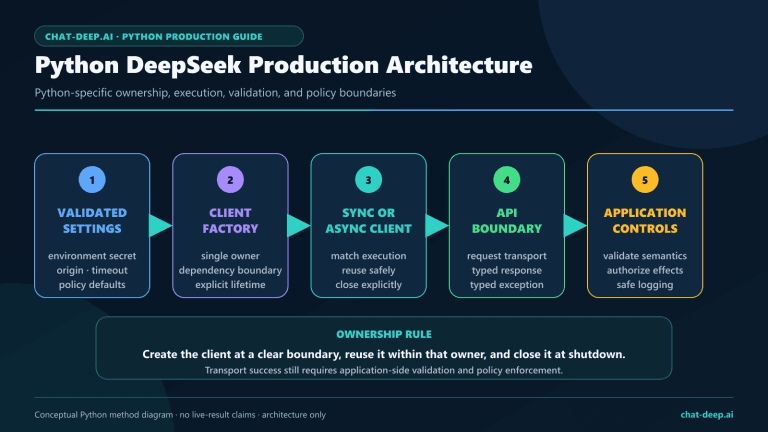
Pick the client that fits the application you already maintain. The Python SDK guide covers setup, synchronous and asynchronous requests, streaming, and handling failures. The Node.js and TypeScript guide takes the same work into a server-side JavaScript project, including environment variables, response handling, timeouts, and retries.

Both guides use a compatible client configured to send requests to DeepSeek. Installing a client package does not mean every service offered by that package’s original provider is available through DeepSeek. Check the endpoint you actually intend to call.

For a new, straightforward chat integration, Chat Completions is a practical starting point. If your application already uses responses.create(), read DeepSeek’s official Responses API guide. It covers input and output items, streaming events, structured output, tools, and compatibility differences. Check its compatibility table for supported, ignored, and unsupported fields before reusing a client built for another provider.

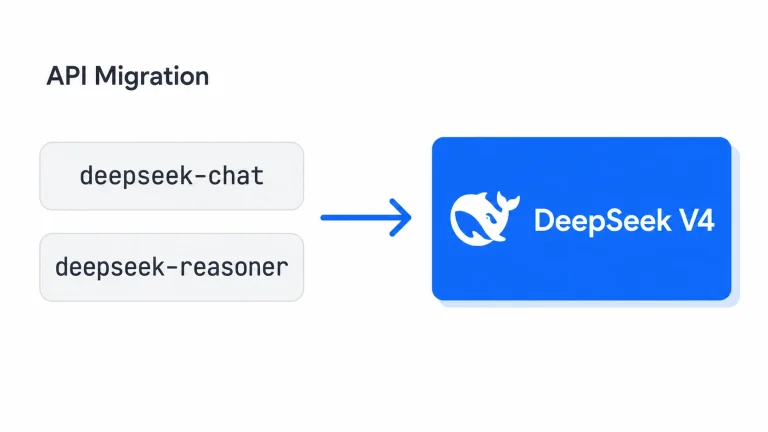
Updating an older integration is a separate task. If its configuration still contains deepseek-chat or deepseek-reasoner, use the API migration guide to review the model selection, thinking settings, and response handling together. Changing one model string is not a substitute for checking what the application expects back.

Shape the response and maintain a conversation

Once a request succeeds, decide what a useful response means for your application. A support assistant needs clear instructions and relevant history. A data-extraction workflow needs predictable fields. A task involving several decisions may need different reasoning controls from a short rewrite.

  • System prompts: set the assistant’s role, rules, and output requirements, with templates you can adapt and examples of where each API format expects instructions.
  • Conversation history: use the Python example or the Node.js explanation to send earlier messages with the next request. Keep each conversation’s history separate in your application and decide what to retain as the exchange grows.
  • Thinking mode: enable or disable reasoning, choose an effort level, and handle reasoning content separately from the answer.
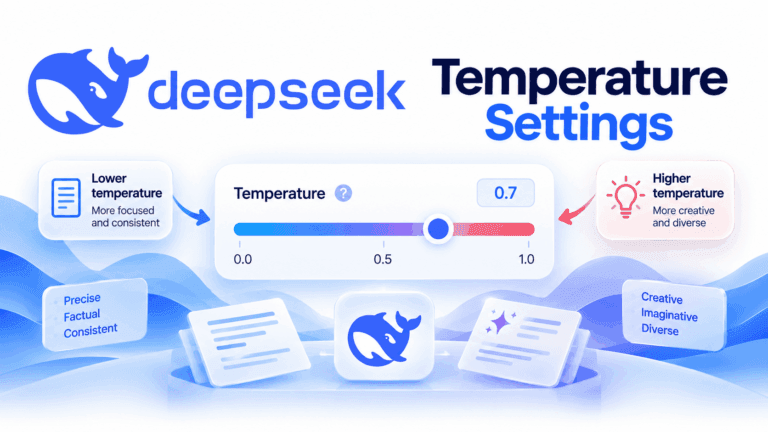
  • Temperature and top-p: understand which sampling controls apply to your mode, rather than assuming every parameter changes the result.
  • JSON output and JSON Schema: request structured data and validate it before another part of your application uses it.

For example, a ticket classifier needs more than an instruction to “return JSON.” Define the category names your system accepts and decide what to do when required information is missing. The output-format guide helps with the request and validation; the system-prompt guide helps make the classification rules unambiguous.

Add tools, images, files, or web search

Choose the input or action your task actually needs. Reading a screenshot, extracting text from a PDF, retrieving a current web page, and checking an order in your database are different workflows.

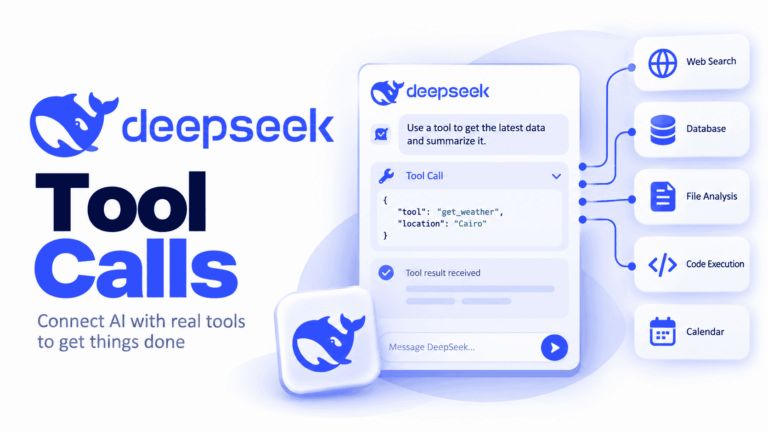
For an application function such as an order lookup, start with tool calls and function calling. The model requests a function; your application checks the arguments and permissions, executes the allowed action, and returns the result. DeepSeek’s official tool-call example shows this exchange. Keep the application in control of actions that change data or spend money.

For screenshots, charts, and photographs, use the vision input guide to choose between an image URL, Base64 data, and an uploaded file ID. The file-upload guide covers reuse and deletion, and explains the separate workflow for PDFs and other documents. The current official Files API accepts supported image formats; it is not a general-purpose PDF or document upload endpoint.

If an answer depends on current online information, read the web search integration guide before choosing an API route. It distinguishes native search through the Anthropic-compatible Messages interface from application-managed retrieval. Search availability in the consumer chat app does not automatically carry over to your API request.

Understand costs, context, and request limits

Estimate cost from what the application sends and generates, not just the number of requests. A conversation that resends a growing history can consume more input tokens on each turn even when the user’s latest question is short. A large allowed context also does not mean every answer will use the maximum output budget.

Use the DeepSeek pricing guide for USD rates and cost examples, then the token-usage guide to read the numbers returned by the API. Model rates and peak or off-peak billing conditions belong in that cost calculation; check the provider’s model and pricing table before budgeting a deployment.

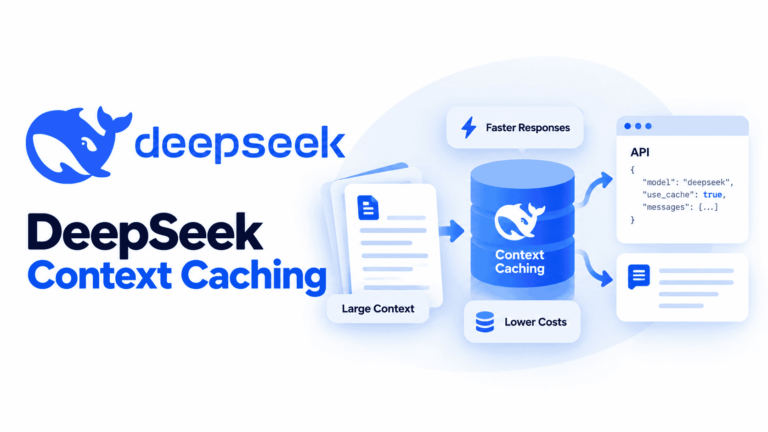
The context and output limits guide explains how to leave room for both input and generation. For repeated material, context caching explains prefix matching and how to read actual cache hits. Caching is not conversation memory: your application still needs to supply the context the request requires.

When several users or background jobs send requests at once, consult API rate limits and concurrency. It explains how simultaneous work differs from a requests-per-minute allowance and how queues and bounded retries can handle pressure without repeatedly sending the same failing request.

Find the right fix when a request fails

First separate a rejected request from an incomplete answer. An authentication error, an empty account balance, and a service overload need different responses. Start with the returned status and error message in the DeepSeek API error-code guide. It maps errors to the setting, account issue, or temporary condition you need to address.

If the request succeeded but the answer stopped early, check what finish_reason means for Chat Completions. A requested tool call is not the same as a truncated answer, and neither should be treated as ordinary final text. For Responses, use its response status and output items as described in the official Responses API guide above.

When seeking help, include the endpoint, model ID, relevant status, and a minimal example with secrets and private content removed. Do not paste an API key or a full customer conversation into a public issue. Clear evidence about the failing step is more useful than repeatedly increasing the token limit or retry count.

Connect DeepSeek to the application you want to use

You may not need to build a new chat interface. Choose an integration around where the work already happens:

  • Claude Code connects the coding agent to DeepSeek’s Anthropic-compatible service. The guide separates the tool’s setup from model selection and API usage charges.
  • n8n puts DeepSeek into a workflow, with a ticket-classification example and guidance on connections, structured results, and failures.
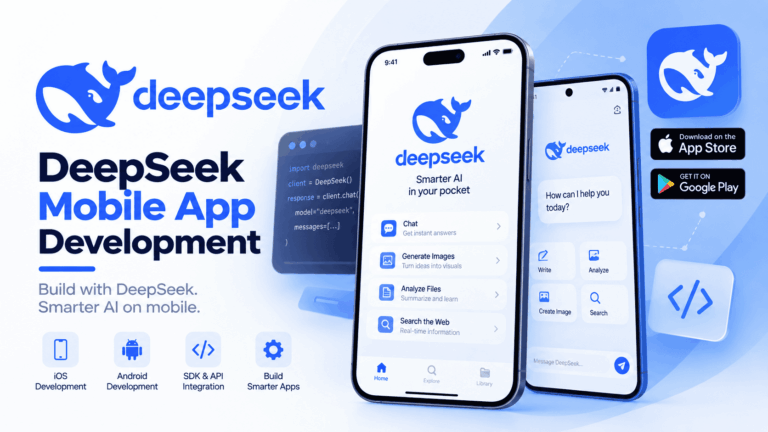
  • iOS and Android development uses a backend between the mobile app and DeepSeek, with Swift and Kotlin examples, conversation history, and streaming.
  • DeepSeek Harness explains DeepSeek’s agent application and runtime for working with files, code, and longer tasks, including setup and permissions.

For example, an existing n8n workflow that classifies incoming messages usually needs a model connection and output validation, not a new mobile application. A coding assistant needs the coding-tool integration. Start with the guide closest to the job, then use the feature guides for the parts you need to change.

Common developer questions

Where are the official DeepSeek API docs?

The provider’s documentation is at api-docs.deepseek.com, and account management is at DeepSeek Platform. The guides on this site are independent explanations and implementation walkthroughs. They do not replace the provider’s account support or current API reference.

Do I need to run DeepSeek locally to use the API?

No. The hosted service runs the model on the provider’s infrastructure. Local deployment is a separate choice involving model weights, hardware, a serving application, and maintenance. It is useful to compare those responsibilities before choosing a route, rather than downloading a model when all you need is an API connection.

Which guide should I use to build a chatbot?

Begin with the setup guide, then the Python or Node.js guide for your backend. Follow the conversation-history section in your chosen guide when the chatbot needs context from earlier messages, and use the system-prompt guide when it needs consistent rules. Add tools, retrieval, or image input only when the chatbot’s task calls for them.

Build one working path, then extend it

Choose one real task—answering a question, classifying a ticket, or reading a screenshot—and connect the smallest set of features that completes it. Check the result, usage, and failure handling before adding the next feature. The guides above give you a route through that work; the article archive below lets you explore individual topics in more detail.

Privacy and cookie settings